Featured
How to Paste Images into Premiere Pro
Paste images into a chosen Premiere Pro bin with Clipboard It: set up once, then copy and paste each image. Includes manual import and troubleshooting.
Continue reading
Short, practical guides for images, editing, and export.
Paste, import, fit, and animate stills, and fix format and transparency problems.
Paste images into a chosen Premiere Pro bin with Clipboard It: set up once, then copy and paste each image. Includes manual import and troubleshooting.
Make still images fill or fit your sequence frame, set defaults for every future import, and change how long images last on the timeline.
Animate still photos with slow pans and zooms using Scale and Position keyframes, smooth the motion with easing, and reuse it across a whole slideshow.
Find out why an image will not import into Premiere Pro, including WebP, HEIC, AVIF, and SVG files, mislabeled extensions, and CMYK color, and how to convert it.
Import PNG and PSD files with their transparency intact, check alpha with the transparency grid, and fix black, white, or checkerboard backgrounds.
Learn how to organize Premiere Pro projects with clear disk folders, bins, naming conventions, and image-import workflows.
Shortcuts, speed ramps, and keyframes.
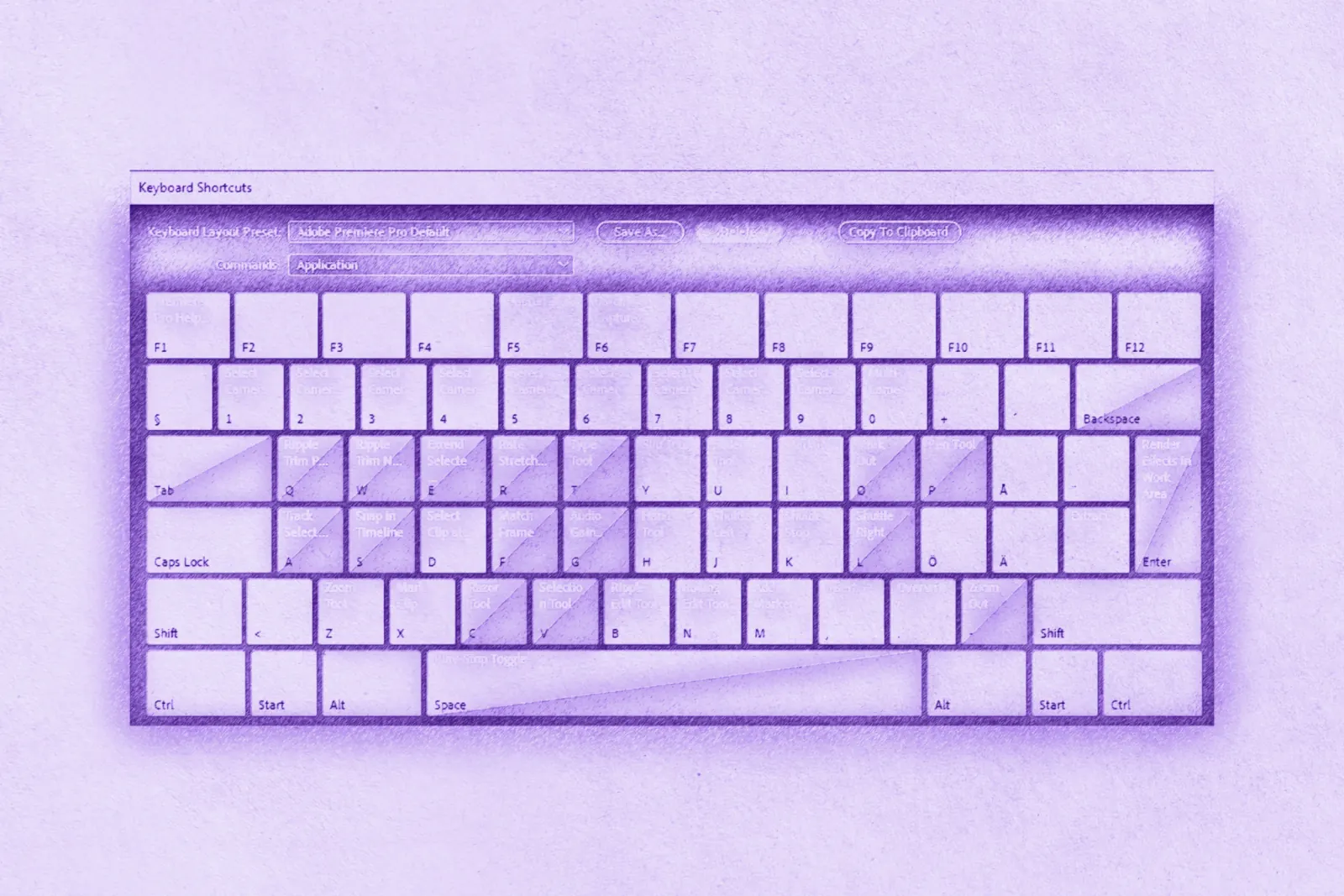
A practical reference for playback, marking, trimming, and common editing shortcuts in Premiere Pro.
Create smooth speed ramps in Premiere Pro with Time Remapping keyframes, choose the right frame interpolation, and get clean slow motion from high-frame-rate footage.
Clean audio, smooth playback with proxies, and the right export settings.

Export from Premiere Pro with the right format, preset, bitrate, and audio settings for YouTube, plus vertical exports for Shorts, Reels, and TikTok.
Learn how to set up and optimize proxy workflows in Premiere Pro for smoother playback and faster editing, even with 4K footage.
Five Premiere Pro audio techniques for cleaner videos: levels, noise reduction, ducking, EQ, and smooth transitions.
Install it, import your first image, or fix a missing panel.