Choose a sequence
Open the panel with a timeline ready and let Silence Cutter analyze the sequence audio.

Premiere Pro Plugin
CEP panel
Cut the dead air before it cuts your day.
Detect pauses in dialogue, tune silence thresholds, and remove or disable quiet sections with local audio analysis.
Open the panel with a timeline ready and let Silence Cutter analyze the sequence audio.
Adjust silence level, minimum silence, minimum keep duration, and padding around speech.
Cut silence out of the timeline or disable those clips while preserving the edit structure.
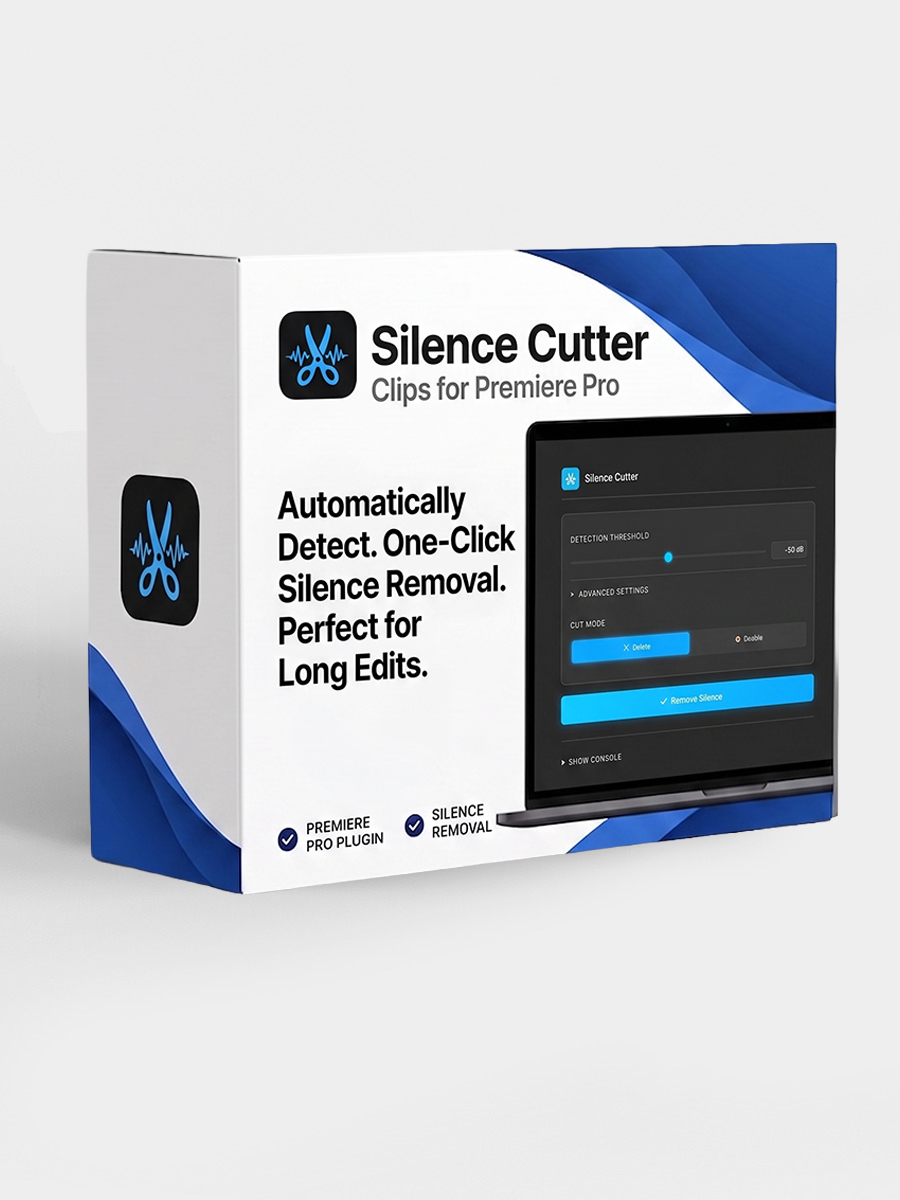
The Adobe Exchange page has the current listing, compatibility notes, and install flow for Silence Cutter.
View on Adobe Exchange