Refresh the sequence
Open the panel and let it scan the active timeline for readable clip states.

Premiere Pro Plugin
UXP panel
Clean your timeline in one click.
Scan the active sequence and select disabled or enabled timeline items across video, audio, or both tracks.
Open the panel and let it scan the active timeline for readable clip states.
Choose disabled clips for cleanup or enabled clips when you need the opposite selection.
Limit the pass to video, audio, or both, then select the matching clips instantly.
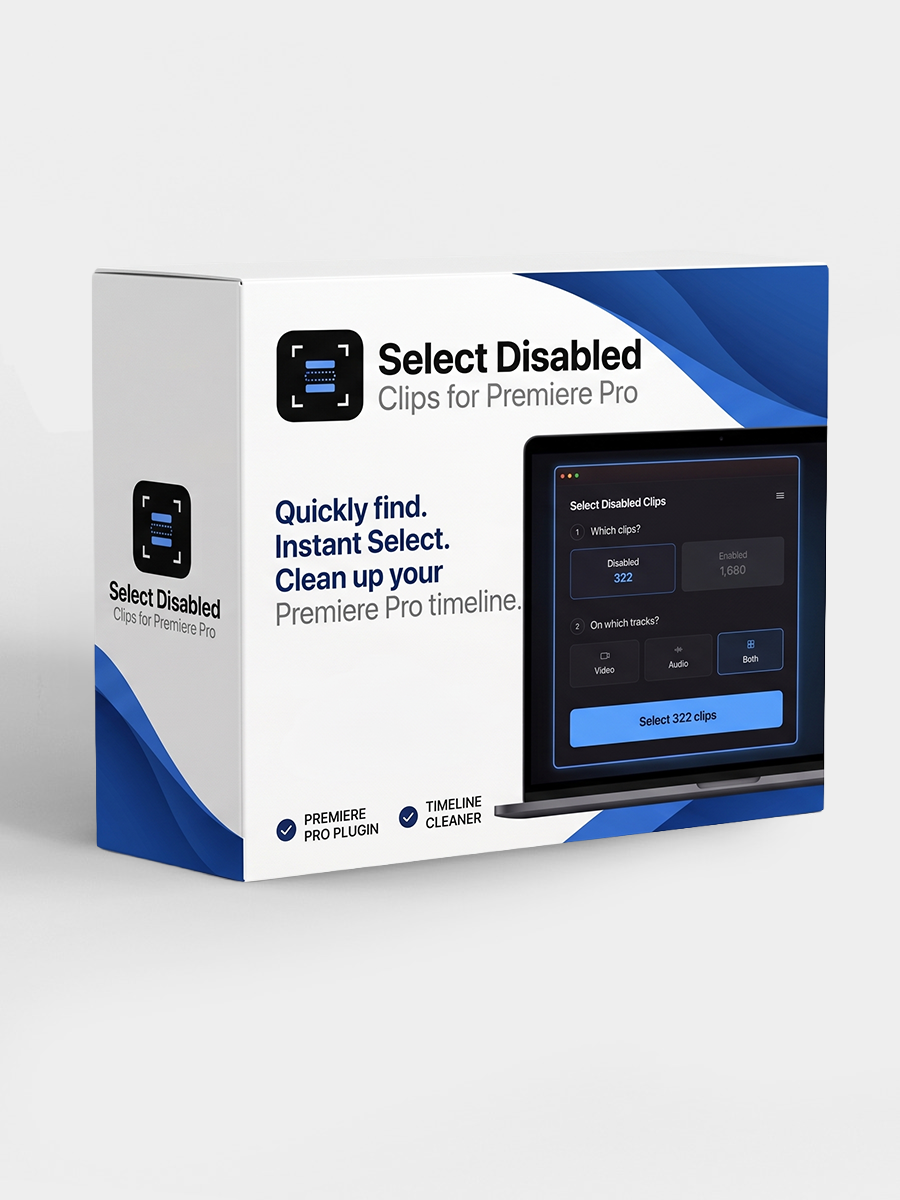
The Adobe Exchange page has the current listing, compatibility notes, and install flow for Select Disabled Clips.
View on Adobe Exchange