Select your keyed property
Target position, scale, or another supported keyframed property in the active edit.

Premiere Pro Plugin
UXP panel
One curve. Every keyframe, smoothed.
Dial in custom easing, save reusable presets, and bake polished motion curves directly onto Premiere Pro keyframes.
Target position, scale, or another supported keyframed property in the active edit.
Drag handles on the curve graph or start from a named preset like S-Curve or Ease Out.
Apply the curve and Smooth It writes the eased motion back onto the selected keyframes.
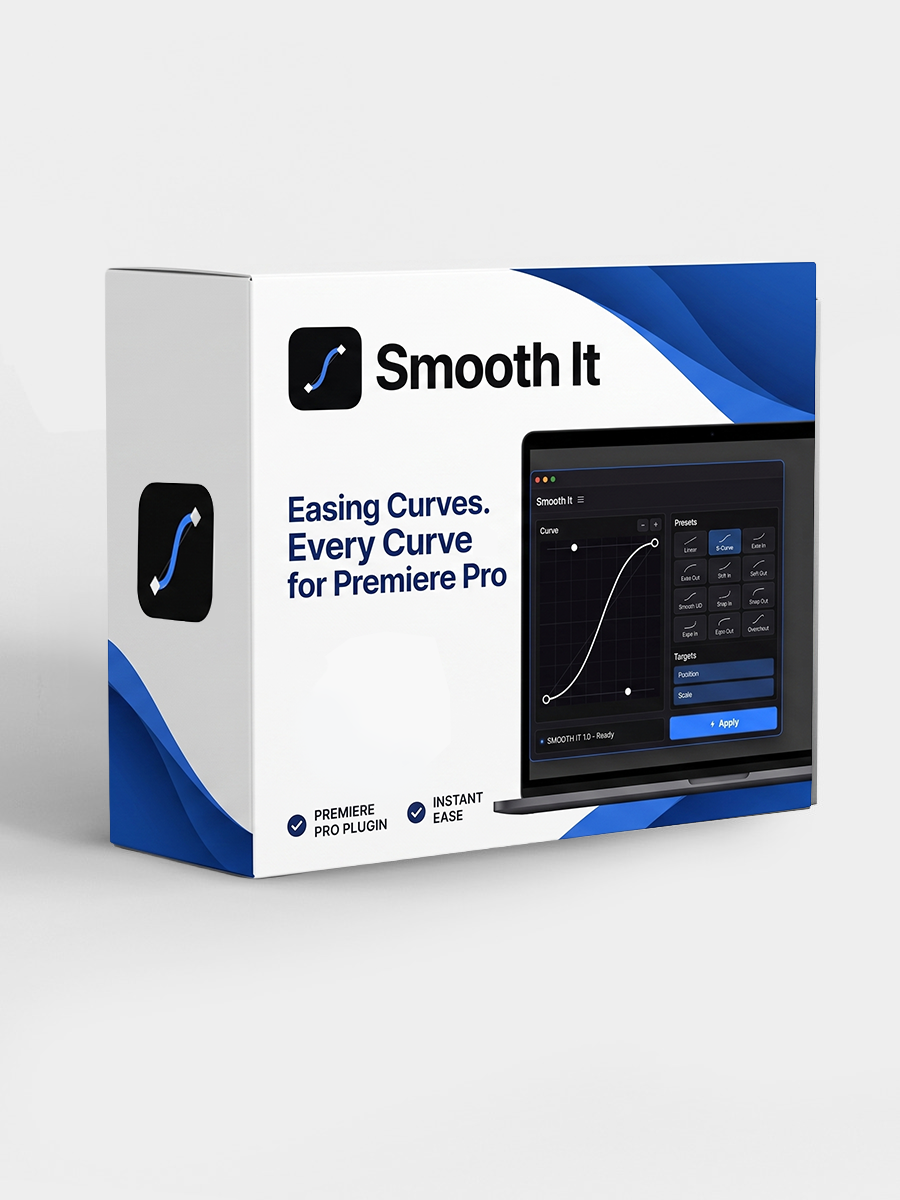
The Adobe Exchange page has the current listing, compatibility notes, and install flow for Smooth It.
View on Adobe Exchange