Paste images into Premiere Pro bins.
Copy an image, click Paste. It's saved, named, and in your bin.
One-time purchase · Mac & Windows
Set up once. Then just paste.
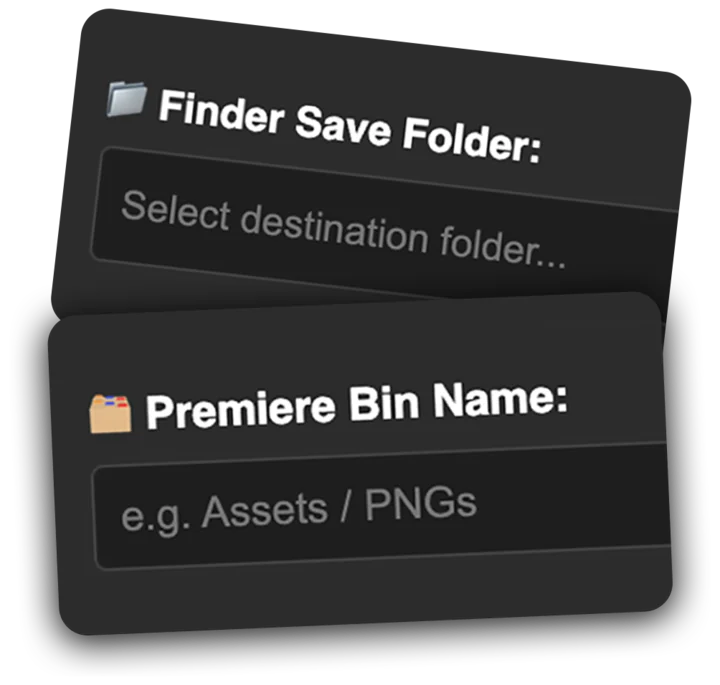
Set Your Folder & Bin Once
Pick them in the panel. Clipboard It remembers.
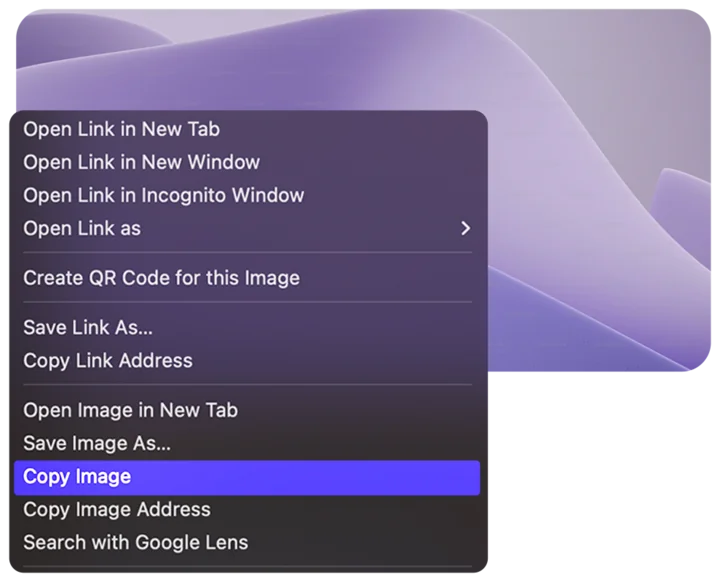
Copy an Image
Right-click › Copy Image, or grab a screenshot.
Click Paste
It's saved, named, and imported into your bin.

Five images. Two ways.
The Old Way
For every single image
"Joe needs 5 red car photos."
The Clipboard It Way
Folder and bin set once
"Joe uses Clipboard It."
Made for Editors Who Move Fast
A small Premiere Pro panel that does one job well.
Instant Clipboard Pasting
Paste any copied image straight into your chosen bin. The file is saved for you.
Smart File Naming
Set a prefix once. Get Storyboard_1, Storyboard_2, and so on.
Copy or Drag and Drop
Paste copied images or drop in image files. Formats depend on your OS and source app.
Bin-Aware Importing
Every image lands in the bin you picked, ready for the timeline.
Your files, your folder, your bins
Every pasted image is a real file in the folder you chose, so it moves with your project. Switching projects? Point Clipboard It at the new folder and bin.
Formats and transparency depend on the source app and your OS. Check Adobe Exchange for supported Premiere versions.
Simple & Affordable
Pay once. Use it on every project.